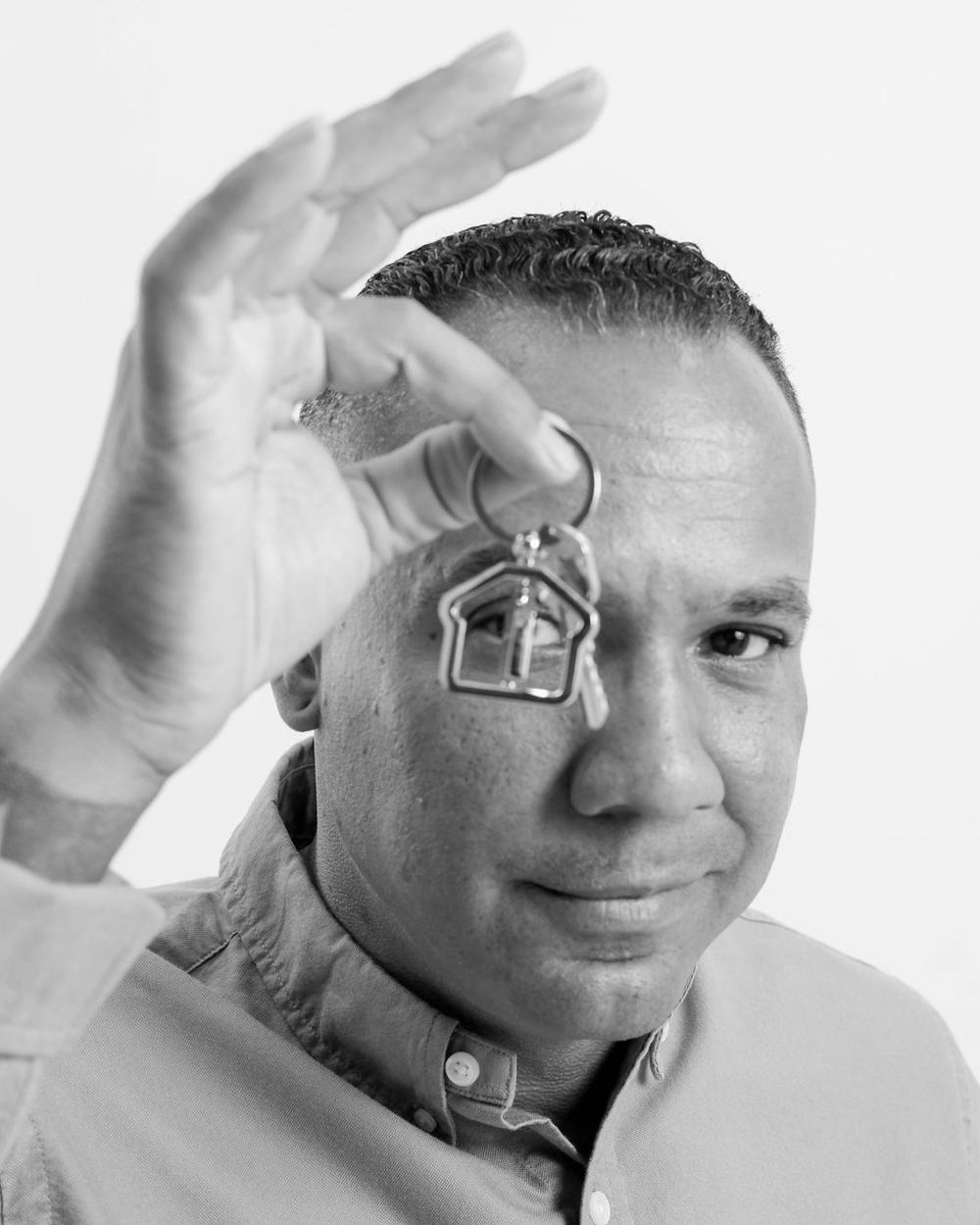
Your LinkedIn photo is often the first impression you make, and it happens fast. In a well-known Princeton study, people judged whether a face looked trustworthy after seeing it for one-tenth of a second, and more time only made them more confident in that judgment (Willis & Todorov, Psychological Science, 2006).
LinkedIn’s own data, as reported in 2017, found that members with a profile photo get up to 21 times more profile views and up to 36 times more messages (Social Media Today).
1. Your profile photo
Use a recent, professional headshot with a square crop and your face filling most of the frame. It should look like you today, so people recognize you when you meet.
The mistake I see most often in LinkedIn photos is an unnatural smile, or eyes that aren’t really looking into the center of the lens. It creates a disconnect between the person in the photo and the person looking at it, and you don’t get to see their personality. It’s like saying one donut is the same as all donuts.
2. Your banner image
LinkedIn’s banner is 1584 × 396 pixels, and most people leave it blank. It’s the perfect spot for an at-work or on-location brand image that shows what you do.
3. Your featured section
Posts, articles and media look stronger with your face in them. If you have brand session images, use them here too.
4. Your posts
Put yourself in them. People connect with people, and a real photo of you gives them someone to connect with.
If you hate being photographed
Most people do. Nearly everyone I photograph feels some discomfort on the other side of the camera, and we all tend to pick ourselves apart. So I start every session by spending 10 or 15 minutes just talking, finding what we have in common and getting to know you as a person. Once you’re relaxed, I can really see you in the image. And I make people laugh. A lot.
One of my favorite parts of the job is watching the comments roll in when a client posts their new headshot. That always makes my day.
How often to update
Every 2–3 years, or right after a real change in your look, role or brand. If people don’t recognize you from your profile, it’s time. Book a headshot session in Rancho Cucamonga.
Get the full guide
My free guide, The Professional’s Guide to Personal Brand Photography, includes a brand session shot list, with a LinkedIn banner shot built in, and a session-day checklist.
Frequently Asked Questions
What size is a LinkedIn banner image?
LinkedIn recommends 1584 × 396 pixels for the profile background (banner) image.
How often should I update my LinkedIn headshot?
Every two to three years, or right after a significant change in your appearance, role or brand. If people don’t recognize you from your profile photo, it’s time to update it.
Does a LinkedIn profile photo really matter?
Yes. LinkedIn has reported that members with a profile photo receive up to 21 times more profile views and up to 36 times more messages than those without one.